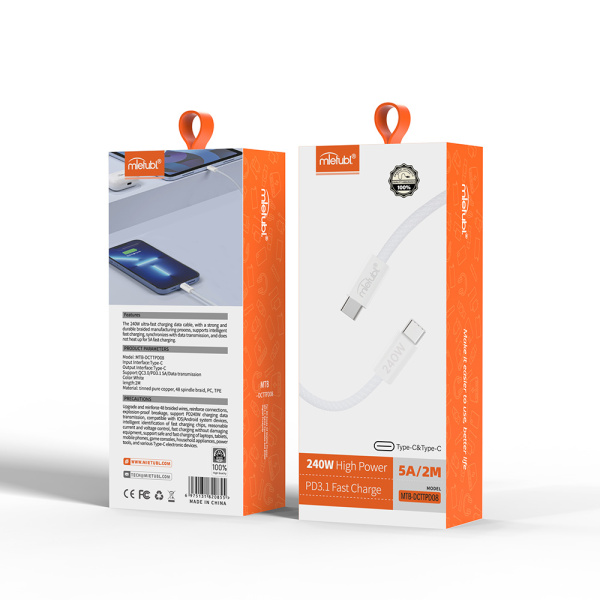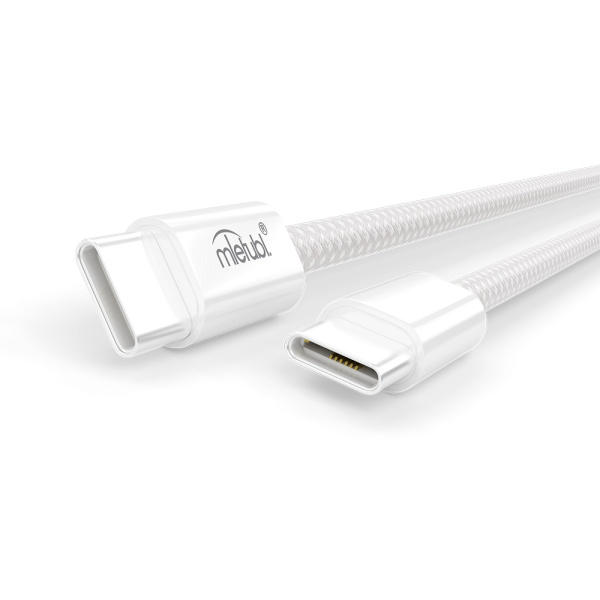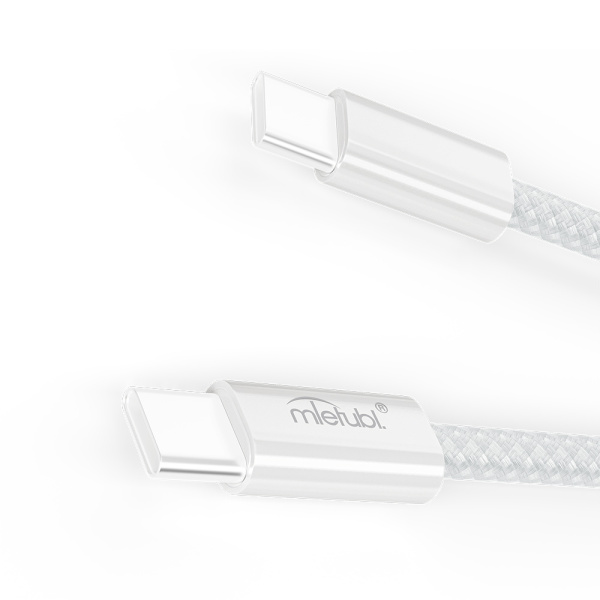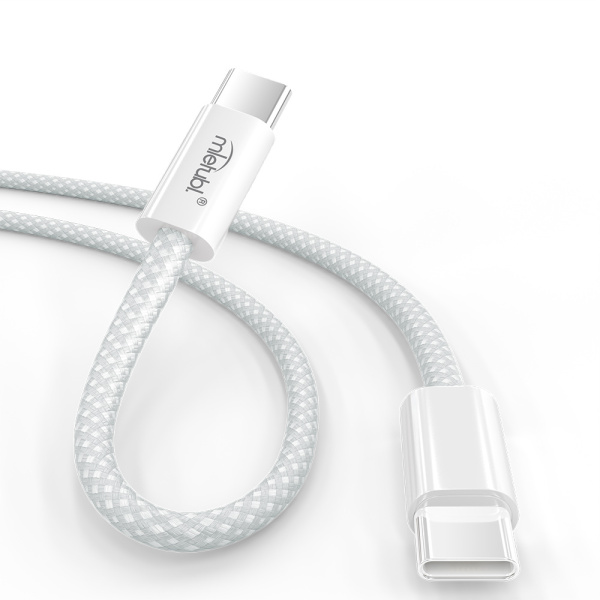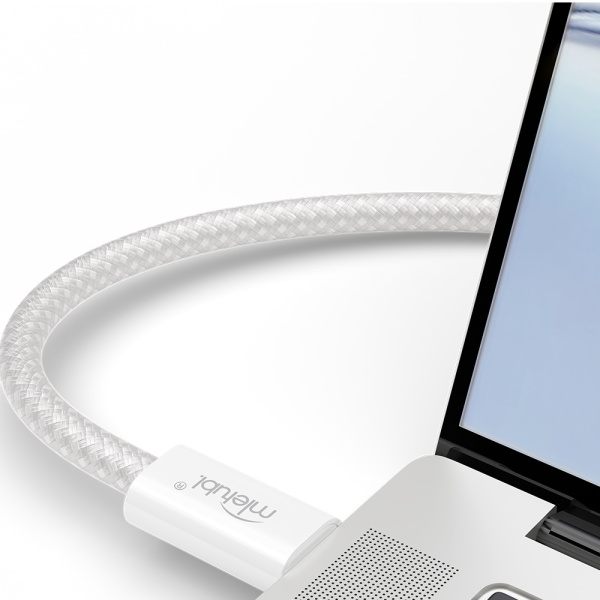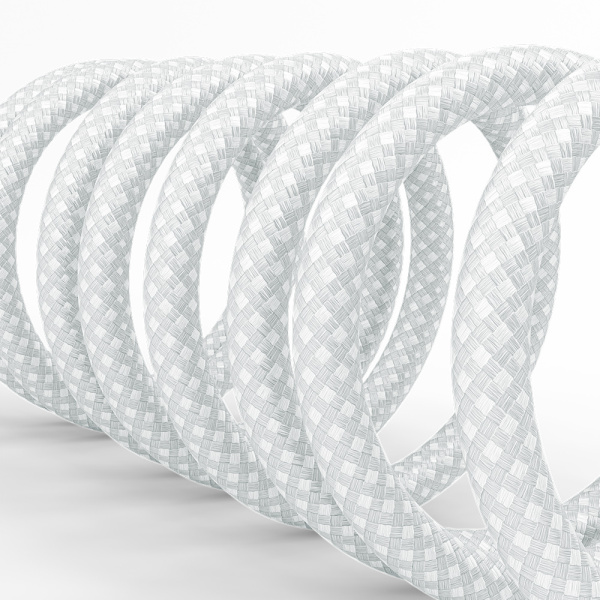
Demand more from your charger? The MTB-DCTTPD08 cable delivers industry-leading 240W power – the pinnacle of PD 3.1 technology. Engineered for high-current devices like laptops and gaming phones, it supports 48V/5A output (requires compatible charger) to slash charging times dramatically. Crafted with original 48-spindle woven nylon, its dual-color braided texture resists tangles while offering exceptional durability and a silky touch. At 2 meters long, enjoy flexible positioning without compromising speed. Upgrade your data cable experience: where cutting-edge power meets uncompromising reliability.

Most cables can both charge and transfer data, but some low-cost cables only support charging. If you need to sync files, use navigation,or connect to a computer, choose a cable that states “data transfer” in the specs.
1. Check the product packaging or description for terms like "data sync", "file transfer", or speed ratings (e.g. 480Mbps/10Gbps). 2. Test by connecting your device to a computer: Android phones should show a file transfer notification, while iPhones will appear in iTunes/Finder. 3. Visually inspect USB-A connectors - data cables have four or more metal pins inside, while charge-only cables typically have only two pins. Note that USB-C and Lightning cables require functional testing as they lack visual indicators.
Match the connector (USB-C/Lightning/Micro-USB), right length, supported power (60W/100W), data speed (USB 2.0/3.x), durability (braided, strain-relief), and a trusted brand like Mietubl.
Your question was not answered? Please leave us a message, we will write to you as soon as possible.
Product added successfully.