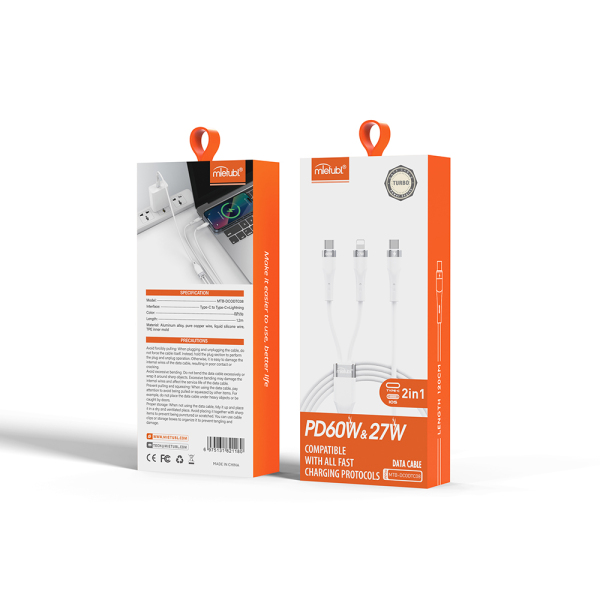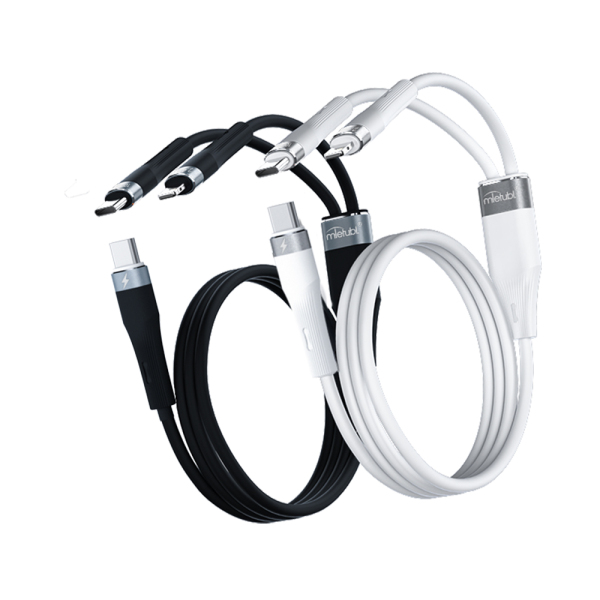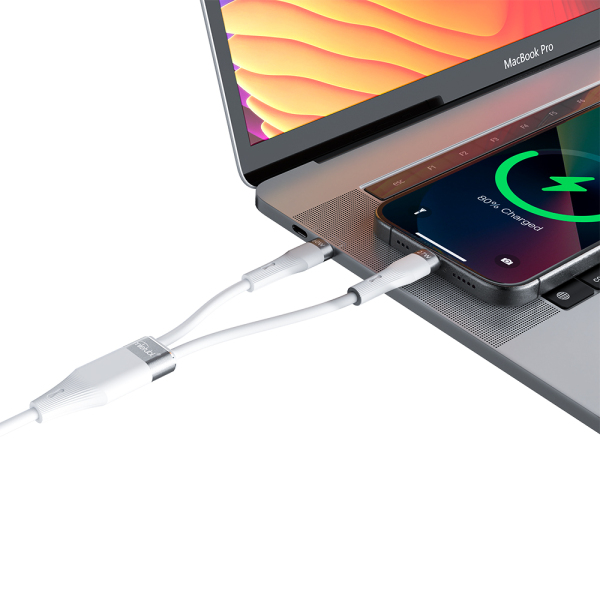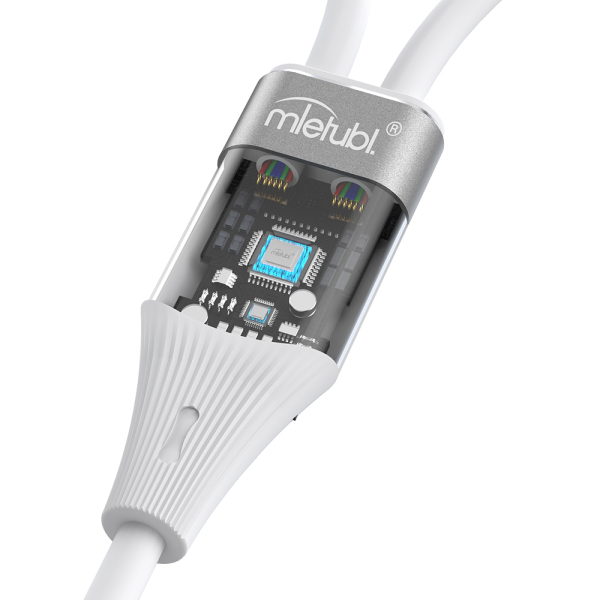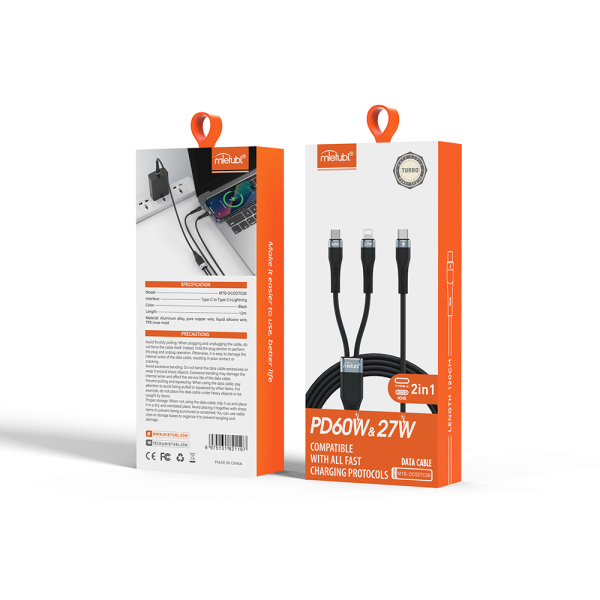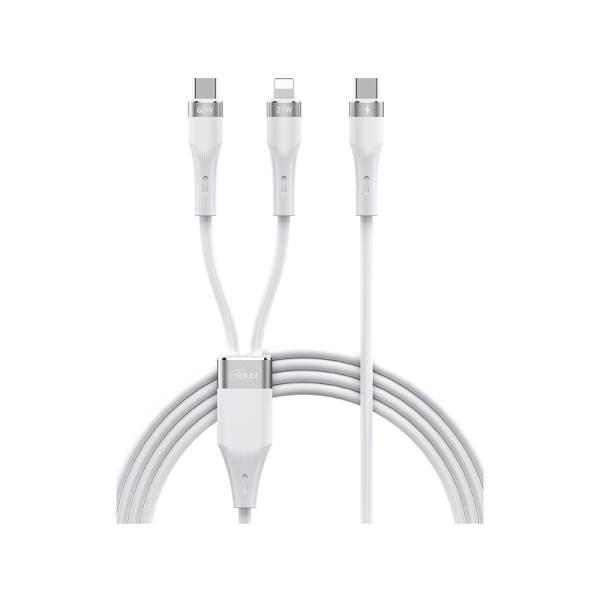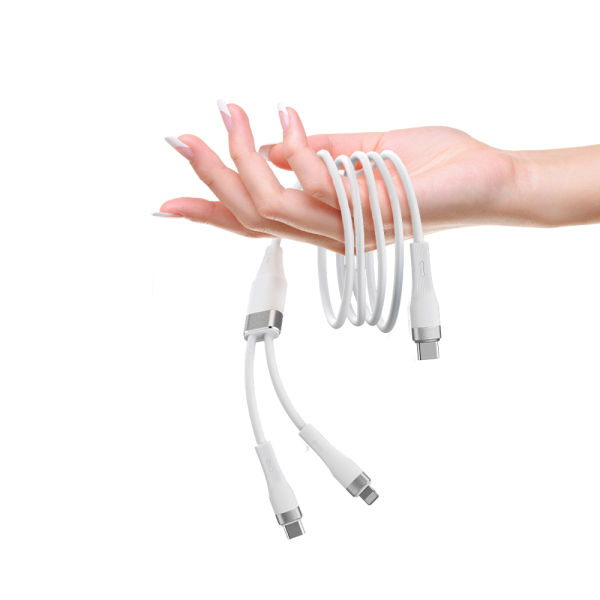
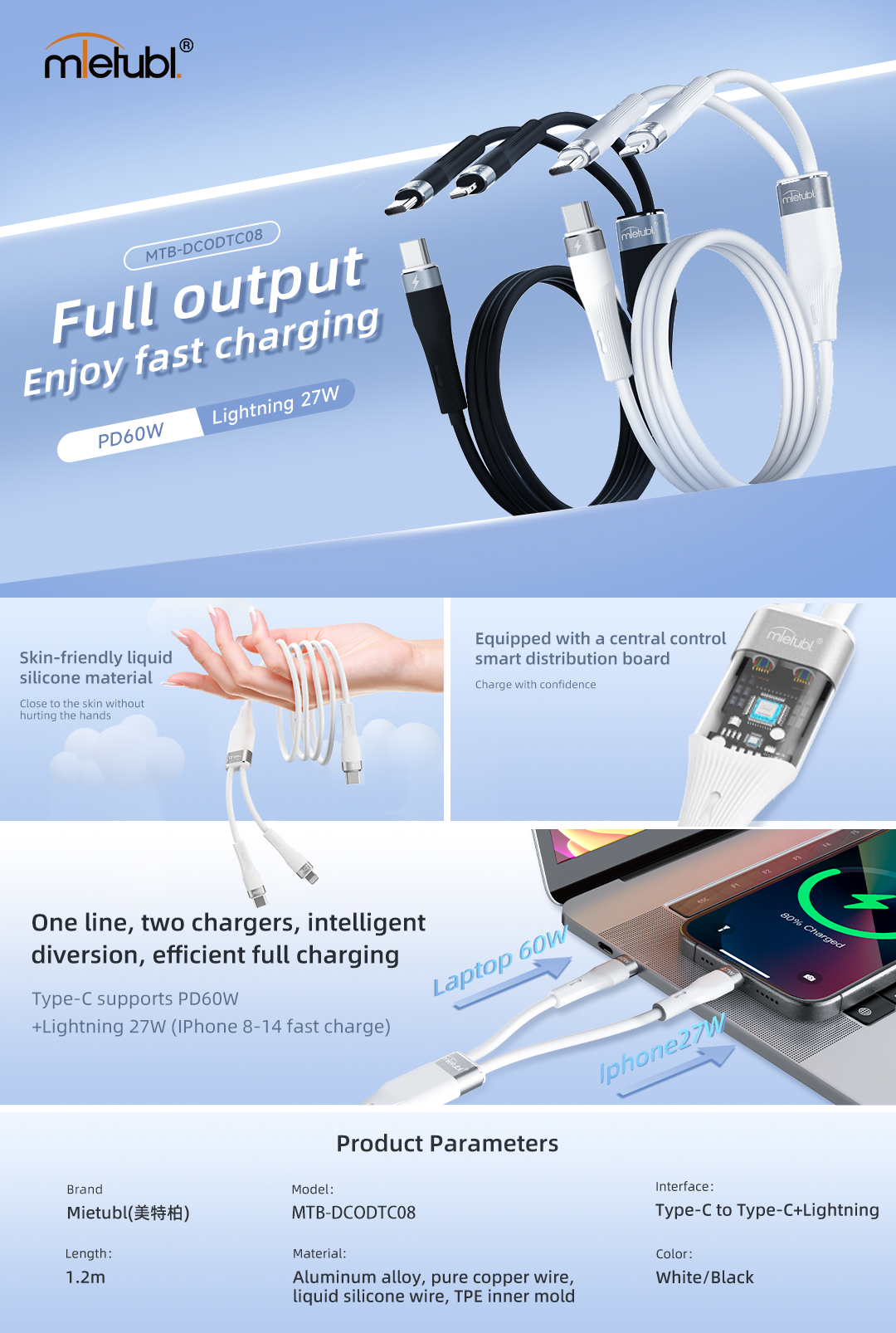
| Product name: | Type-C to Type-C + Lightning 2-in-1 charging cable |
| Brand: | Mietubl |
| Model: | MTB-DCODTC08 |
| Length: | 120 cm (47.2 inch) |
| Connector: | Type-C to Type-C & Lightning |
| Material: | Aluminium alloy, pure copper wire,liquid silicone wire, TPE inner mold |
| Package: | Color box packaging |
| Place of original: | China |
Most cables can both charge and transfer data, but some low-cost cables only support charging. If you need to sync files, use navigation,or connect to a computer, choose a cable that states “data transfer” in the specs.
1. Check the product packaging or description for terms like "data sync", "file transfer", or speed ratings (e.g. 480Mbps/10Gbps). 2. Test by connecting your device to a computer: Android phones should show a file transfer notification, while iPhones will appear in iTunes/Finder. 3. Visually inspect USB-A connectors - data cables have four or more metal pins inside, while charge-only cables typically have only two pins. Note that USB-C and Lightning cables require functional testing as they lack visual indicators.
Match the connector (USB-C/Lightning/Micro-USB), right length, supported power (60W/100W), data speed (USB 2.0/3.x), durability (braided, strain-relief), and a trusted brand like Mietubl.
Your question was not answered? Please leave us a message, we will write to you as soon as possible.
Product added successfully.