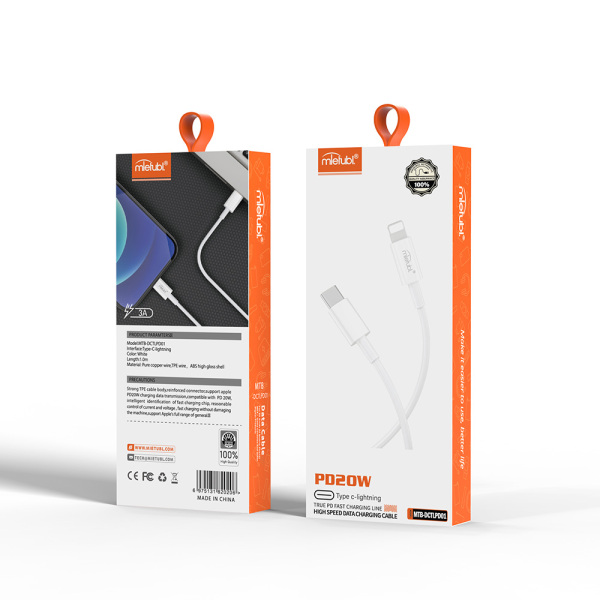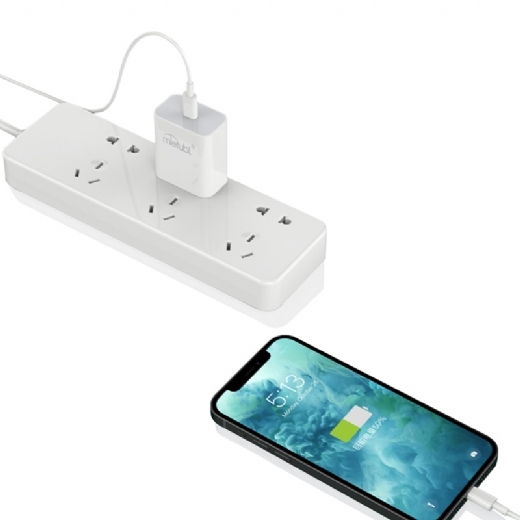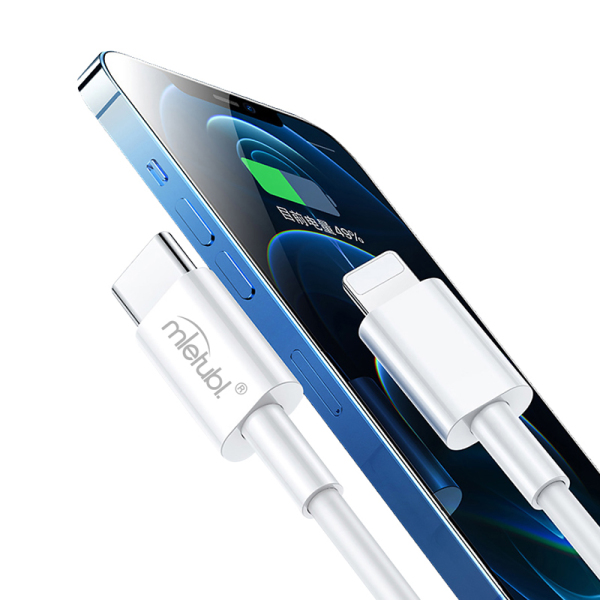
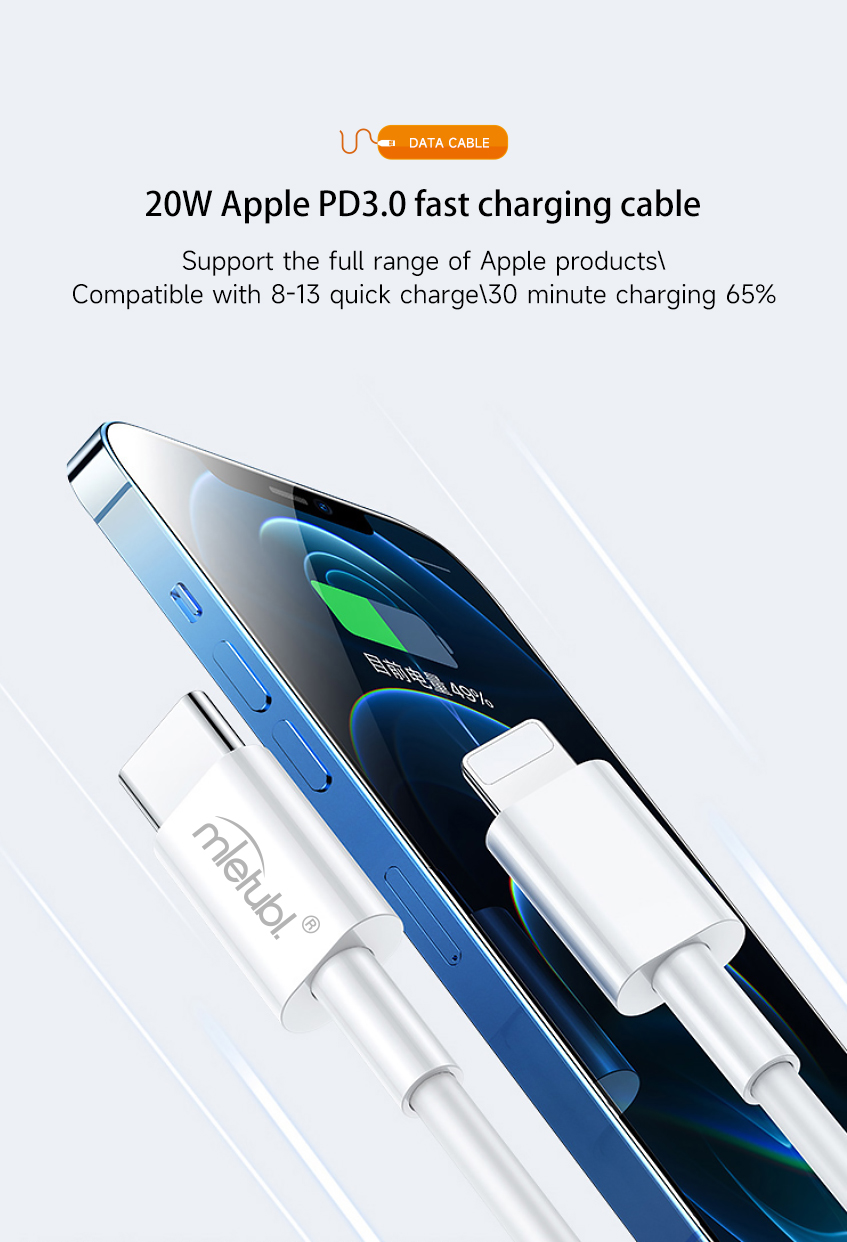
Engineered for Apple’s PD 3.0 protocol, this cable delivers lab-verified 65% charge in 30 minutes to iPhone 8-15 series. Feel the rush of refueling your device during a morning coffee break – enough power for a cross-town commute.
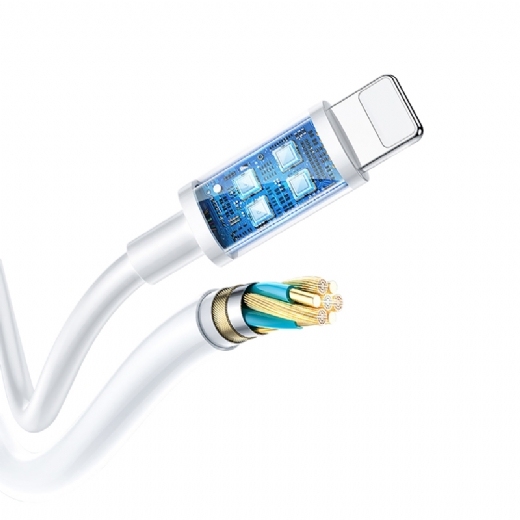
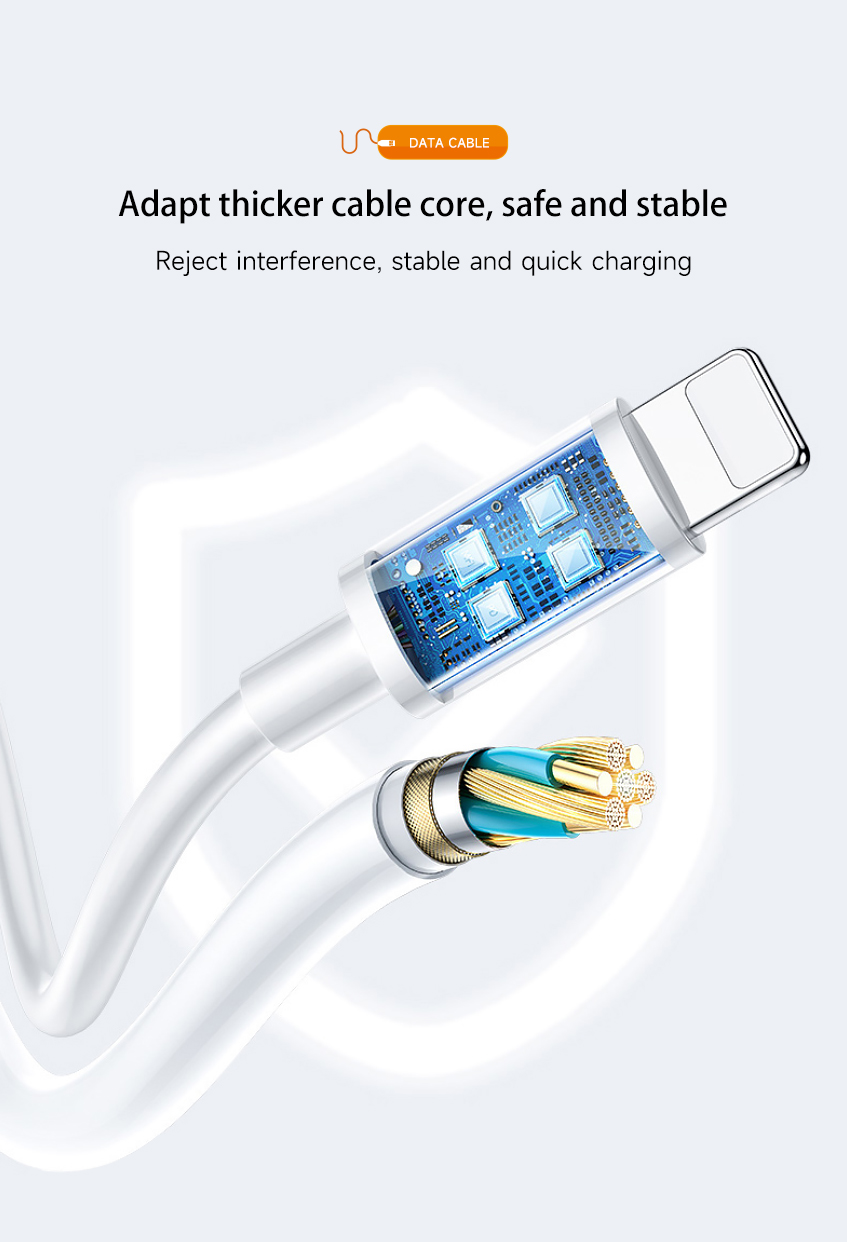
99.9% oxygen-free copper wires wrapped in anti-interference layers ensure seamless charging and data sync. No more flickering “Charging On/Off” alerts during calls – just silent, reliable power flow.
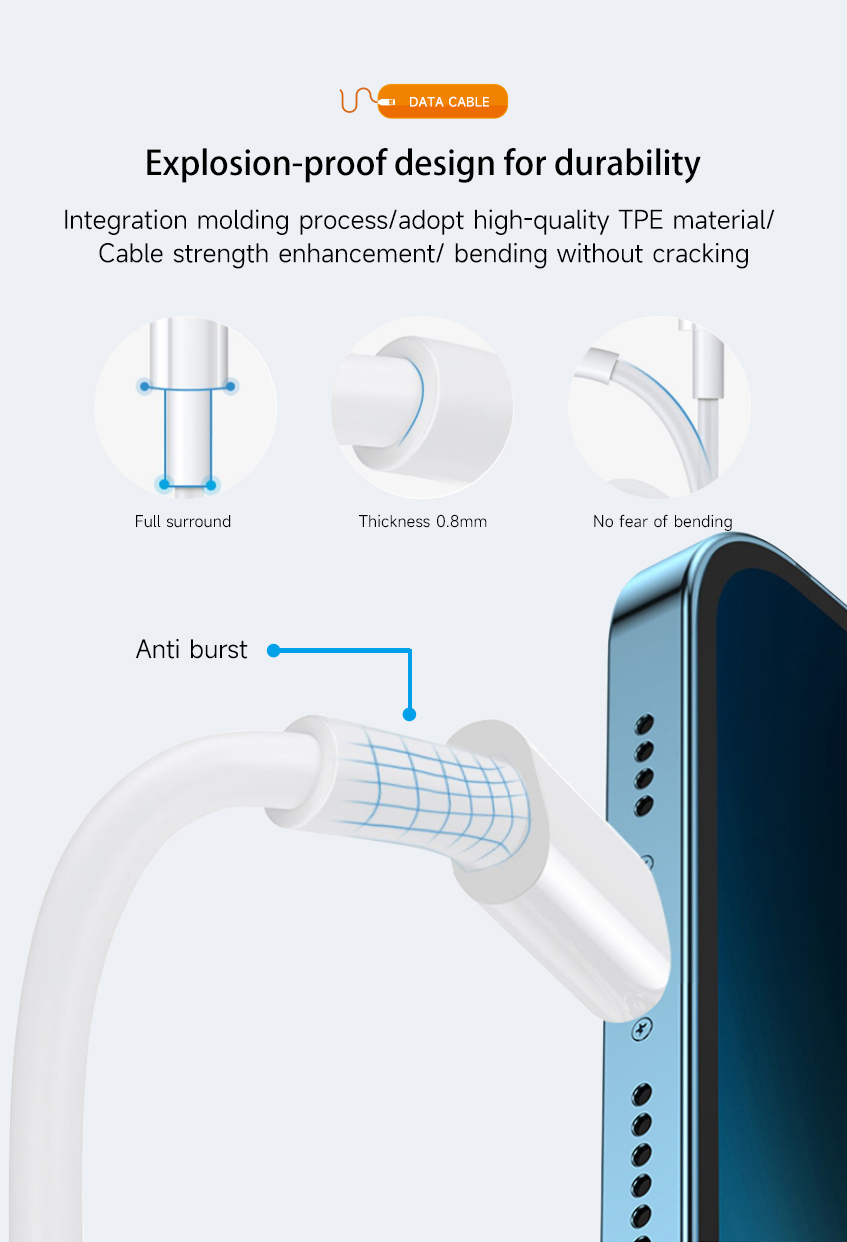
Reinforced with explosion-proof molding, it laughs off pet teeth, suitcase zippers, and car door crushes. Hear the satisfying thud when your door slams shut – the cable emerges unscathed.
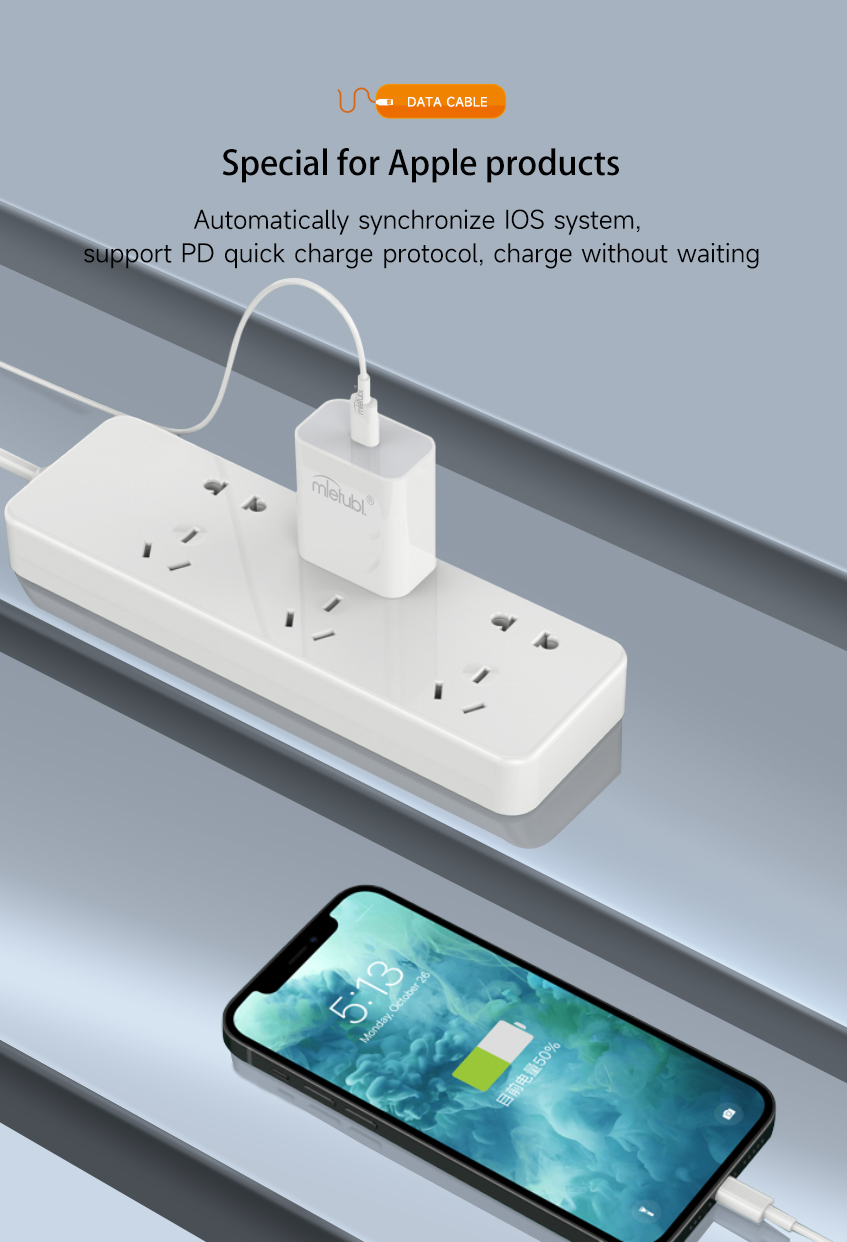
Intelligent chipset syncs seamlessly with iOS updates. Forget counterfeit cable frustrations – this is plug-and-play peace of mind.
Weighing less than 3 quarters, its anti-knot coating slips into pockets invisibly. Discover it coiled neatly in your bag weeks later – still ready for action.
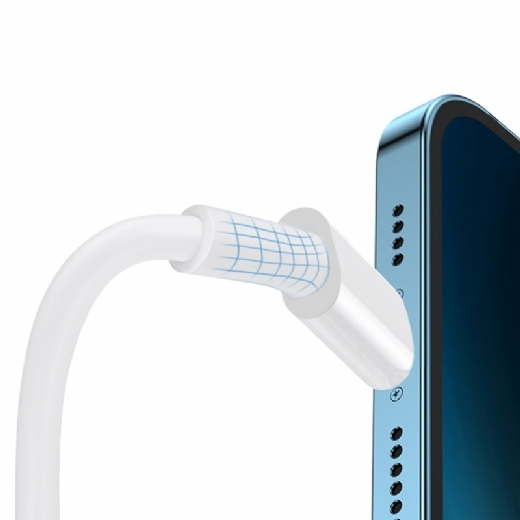
| Brand: | Mietubl |
| Interface: | Type C to lightning |
| color: | White |
| Length: | 1M |
| Material: | pure copper wire, TPE wire, PC shell |
Most cables can both charge and transfer data, but some low-cost cables only support charging. If you need to sync files, use navigation,or connect to a computer, choose a cable that states “data transfer” in the specs.
1. Check the product packaging or description for terms like "data sync", "file transfer", or speed ratings (e.g. 480Mbps/10Gbps). 2. Test by connecting your device to a computer: Android phones should show a file transfer notification, while iPhones will appear in iTunes/Finder. 3. Visually inspect USB-A connectors - data cables have four or more metal pins inside, while charge-only cables typically have only two pins. Note that USB-C and Lightning cables require functional testing as they lack visual indicators.
Match the connector (USB-C/Lightning/Micro-USB), right length, supported power (60W/100W), data speed (USB 2.0/3.x), durability (braided, strain-relief), and a trusted brand like Mietubl.
Your question was not answered? Please leave us a message, we will write to you as soon as possible.
Product added successfully.